
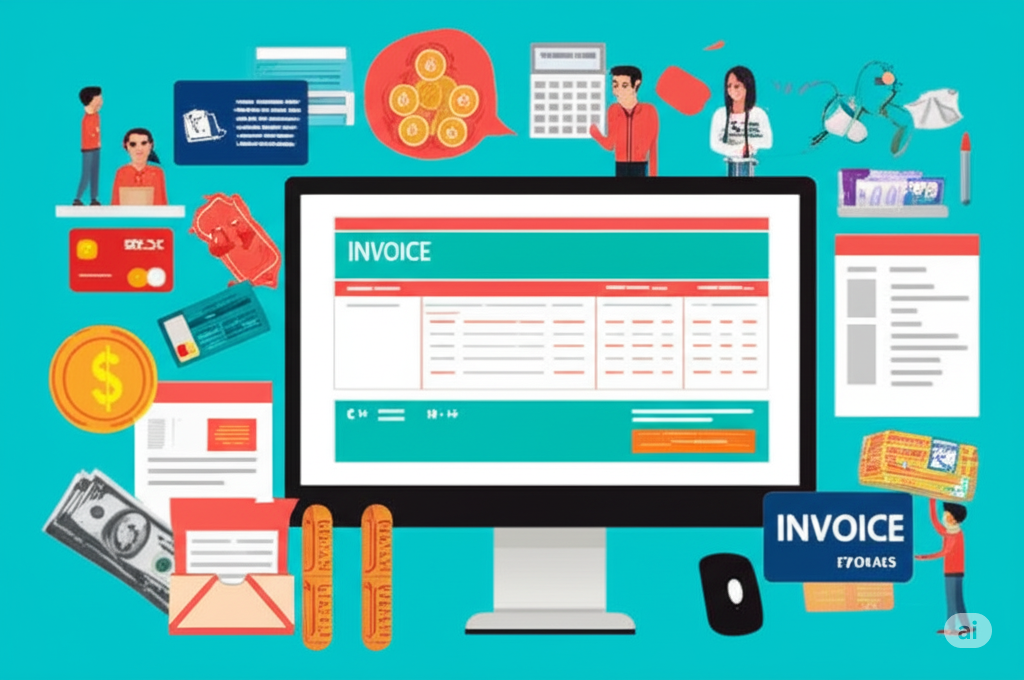

As a freelancer, your invoices are more than just bills; they are a representation of your professionalism and a crucial step in getting paid promptly. Sending clear, accurate, and well-designed invoices not only ensures you receive your hard-earned money but also leaves a positive impression on your clients. In this blog, we’ll explore essential tools and provide practical tips to help you master the art of professional invoicing.
Why Professional Invoicing Matters
- Gets You Paid Faster: Clear and complete invoices reduce confusion and potential delays in payment processing.
- Enhances Professionalism: Well-designed invoices reflect positively on your brand and demonstrate your attention to detail.
- Reduces Disputes: Detailed invoices minimize the chances of disagreements over services rendered or amounts owed.
- Provides Legal Documentation: Invoices serve as important legal records for both you and your clients.
- Simplifies Accounting: Organized invoicing makes tracking income and managing your finances much easier.
Essential Elements of a Professional Invoice
Before we dive into tools, let’s cover the key components every professional invoice should include:
- Your Business Information:
- Your full name or business name
- Your address (consider including your location in Bhubaneswar, Odisha, India, if you serve local clients)
- Your phone number and email address
- Your website (if applicable)
- Client Information:
- Client’s full name or company name
- Client’s address
- Contact person (if applicable)
- Invoice Details:
- A unique invoice number for tracking
- The invoice date
- The payment due date (clearly stated)
- Description of Services:
- A clear and concise breakdown of the services you provided. Be specific and use terms your client understands.
- The date(s) the services were rendered.
- The quantity, hours, or units of work performed.
- Your hourly rate or the agreed-upon fixed fee.
- Financial Details:
- Subtotal of the charges
- Applicable taxes (clearly itemized, keeping in mind any local tax regulations in Odisha)
- Discounts (if any)
- Total amount due (clearly highlighted)
- Payment Terms:
- Accepted payment methods (e.g., bank transfer, online payment platforms)
- Instructions for making payment (e.g., bank account details)
- Late payment penalties (if applicable)
- Notes (Optional but Recommended):
- A brief thank you message.
- Any specific instructions or references related to the project.
Top Tools for Sending Professional Invoices
Luckily, you don’t have to create invoices manually in a word processor or spreadsheet. Numerous tools are designed to streamline the invoicing process:
- Online Invoicing Software: These platforms offer a wide range of features, including customizable templates, automated payment reminders, expense tracking, and reporting. Popular options include:
- Zoho Invoice: A robust and user-friendly option with a free plan suitable for freelancers.
- Wave Accounting: Offers free accounting software with invoicing capabilities.
- FreshBooks: A popular choice known for its excellent user interface and project management features.
- Xero: A comprehensive accounting platform with strong invoicing functionalities.
- Invoice Ninja: An open-source platform with both free and paid plans.
- Payment Gateways with Invoicing Features: Some payment processors also offer built-in invoicing tools:
- PayPal: A widely used platform with easy invoice creation and payment processing.
- Stripe: A powerful payment gateway with robust API and invoicing capabilities.
- Razorpay (Popular in India): Offers a comprehensive suite of payment solutions, including invoicing, suitable for freelancers in Bhubaneswar and across India.
- Spreadsheet Software (for Basic Needs): If you’re just starting out or have very simple invoicing needs, you can use templates in:
- Google Sheets: Free and accessible online.
- Microsoft Excel: A widely used desktop application.
Tips for Sending Professional Invoices
- Choose the Right Tool: Select a tool that aligns with your needs and budget. Consider features like customization, payment integration, and ease of use.
- Use a Professional Template: Most invoicing tools offer customizable templates. Choose one that is clean, well-organized, and reflects your brand.
- Be Consistent: Maintain a consistent invoice format across all your clients for a professional look.
- Invoice Promptly: Send your invoice as soon as the work is completed or according to your agreed-upon schedule. Don’t wait too long.
- Be Detailed in Your Descriptions: Clearly outline the services provided so your client knows exactly what they are paying for. Avoid vague terms.
- Clearly State Payment Terms: Make your payment due date and accepted methods prominent on the invoice.
- Offer Multiple Payment Options: Providing various payment methods can make it easier for clients to pay you. Consider bank transfers and popular online payment platforms relevant to your clients (e.g., UPI in India).
- Enable Payment Reminders: Utilize the automated reminder features offered by most invoicing software to follow up on overdue payments professionally.
- Keep Track of Your Invoices: Maintain a record of all sent invoices and their payment status.
- Consider Invoicing in Stages: For larger projects, break down the payment into milestones to ensure a steady cash flow.
- Proofread Everything: Before sending, double-check for any errors in amounts, dates, or client information.
- Send as a PDF: This ensures the formatting remains consistent across different devices and prevents accidental edits.
- Follow Up Professionally on Overdue Invoices: Have a system in place for politely following up on late payments (as discussed in your previous blog!).
By implementing these tools and tips, you can streamline your invoicing process, present a professional image, and ultimately get paid faster and more consistently as a freelancer.

Leave a Reply