

In the world of blogging, consistency is key. Regularly publishing high-quality content keeps your audience engaged, attracts new readers, and signals to search engines that your blog is active and valuable. But how do you maintain this consistency amidst all the other tasks involved in running a blog? The answer lies in creating and adhering to a content calendar.
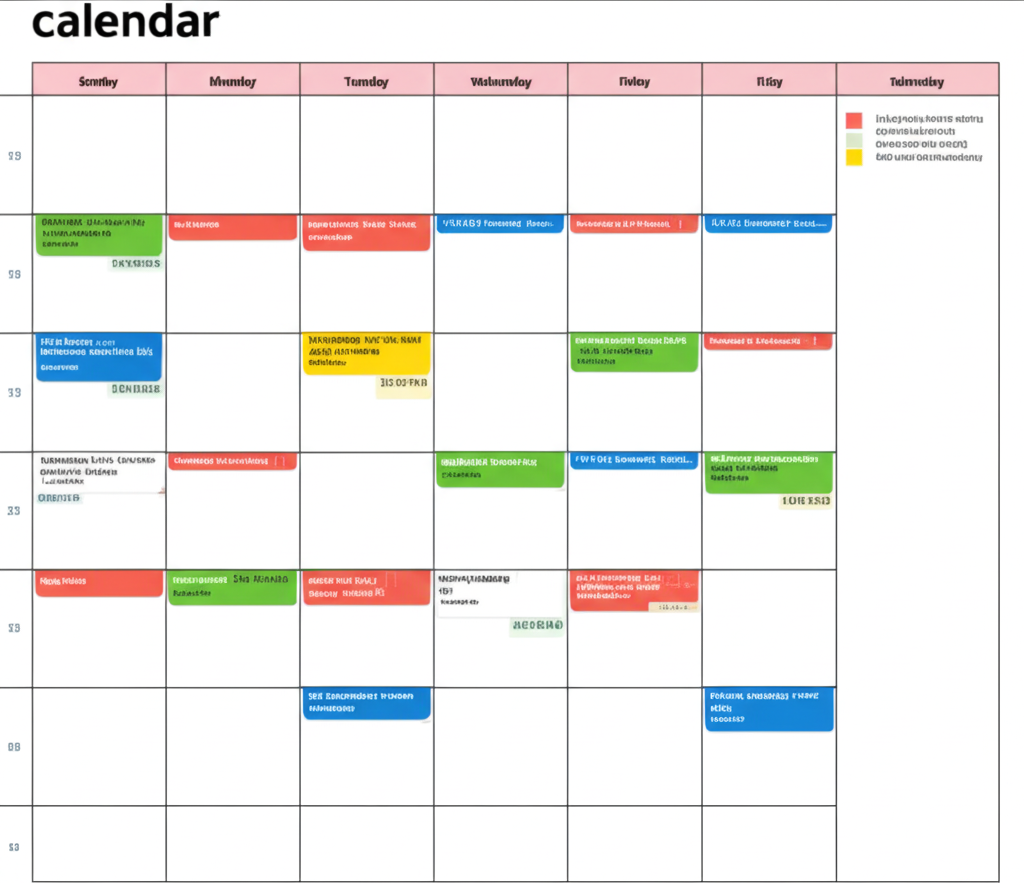
A content calendar is essentially a visual roadmap for your blog content. It outlines what you plan to publish, when, and on which platforms. Think of it as your editorial blueprint, helping you stay organized, plan ahead, and avoid the last-minute scramble to come up with your next post. Creating a content calendar might seem like an extra step, but it’s an investment that pays off in terms of productivity, content quality, and overall blogging success.
Here’s a step-by-step guide on how to create an effective content calendar for your blog:
1. Define Your Goals and Audience:
Before you start filling in dates, take a step back and revisit your blogging goals. What do you hope to achieve with your blog? Who is your target audience? Understanding your objectives and who you’re writing for will help you create relevant and engaging content that resonates. Consider the types of topics your audience is interested in, the questions they ask, and the problems they face.
2. Brainstorm Content Ideas:
Once you have a clear understanding of your goals and audience, start brainstorming content ideas. Think about different formats – blog posts, lists, tutorials, case studies, interviews, videos, infographics, etc. Consider evergreen topics that remain relevant over time, as well as timely content that aligns with current events or trends. Keep a running list of ideas as they come to you.
3. Choose Your Calendar Format:
Decide on the format that works best for you. Options include:
- Spreadsheet (Google Sheets, Excel): Offers flexibility and customization. You can create columns for publication date, topic, author, status, keywords, notes, and more.
- Digital Calendar (Google Calendar, Outlook Calendar): Provides visual scheduling and reminders. You can add blog post titles as events with deadlines.
- Project Management Tools (Trello, Asana, Monday.com): Ideal for collaborative teams, these tools allow you to assign tasks, track progress, and set deadlines.
- Dedicated Content Calendar Tools (Coschedule, Hubspot Marketing Hub): Specifically designed for content planning, these often offer advanced features like social media integration and analytics.
4. Map Out Your Publishing Schedule:
Determine how frequently you plan to publish new content. This will depend on your resources, your audience’s expectations, and your blogging goals. Start with a realistic schedule that you can consistently maintain. Then, begin assigning your brainstormed content ideas to specific dates on your chosen calendar.
5. Assign Responsibilities (If Applicable):
If you have a team of writers, editors, or designers, clearly assign responsibilities for each piece of content. Note down who is responsible for drafting, editing, creating visuals, and publishing. This ensures accountability and a smooth workflow.
6. Include Key Details:
For each entry in your content calendar, include essential information such as:
- Topic/Title: A working title for the blog post.
- Publication Date: The scheduled date for publishing.
- Author: The person responsible for writing the content.
- Status: The current stage of the content (e.g., Idea, Drafting, Editing, Ready to Publish).
- Keywords: Relevant keywords for SEO.
- Target Audience: Specific segment of your audience the post is aimed at.
- Call to Action: What you want readers to do after reading the post.
- Notes: Any additional relevant information or links to resources.
7. Plan for Promotion:
Your content calendar shouldn’t just stop at publication. Include plans for promoting your content across different channels, such as social media, email marketing, and relevant online communities. Schedule your promotion activities in your calendar as well.
8. Review and Adjust Regularly:
Your content calendar is not set in stone. Regularly review your calendar, track your progress, and make adjustments as needed. Analyze what types of content are performing well, adapt to trends, and be flexible enough to accommodate new ideas or unexpected events.
Creating a content calendar is a proactive step that can significantly improve your blogging efficiency and results. By planning your content in advance, you’ll reduce stress, maintain consistency, and ultimately create a more valuable and engaging blog for your audience.

Leave a Reply